
What we sell:

#3DANDAR
3D + AUGMENTED REALITY
See the Light Before It Enters the Space.
Inspect selected lighting products in 3D, switch between available lighting states and place them inside your own space using AR.
Rotate in 3D
Light ON / OFF
View in Your Space
INTERACTIVE PRODUCT VIEW
3D
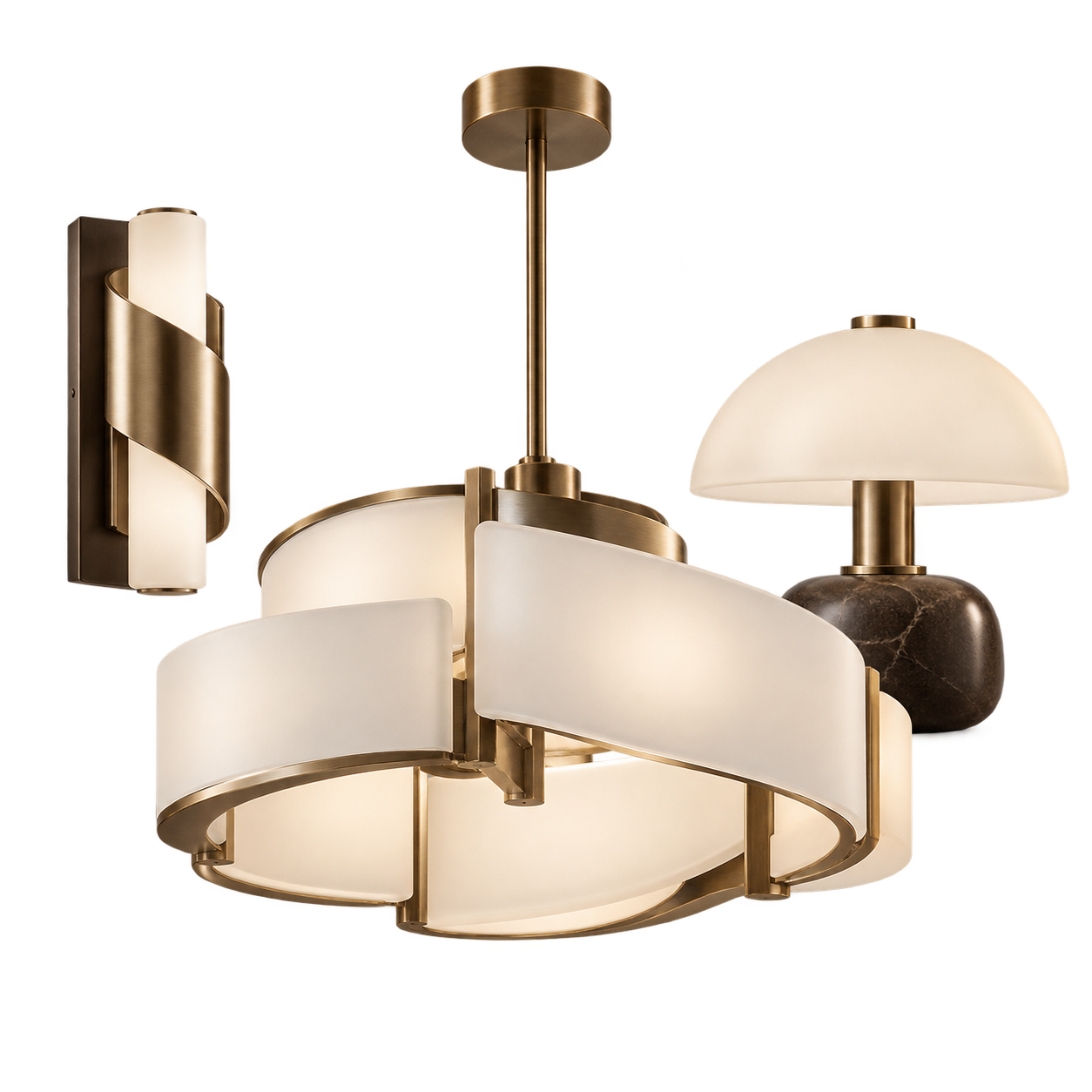
INTERACT
Rotate in 3D
AR READY
Place in your space
#3DVIEW
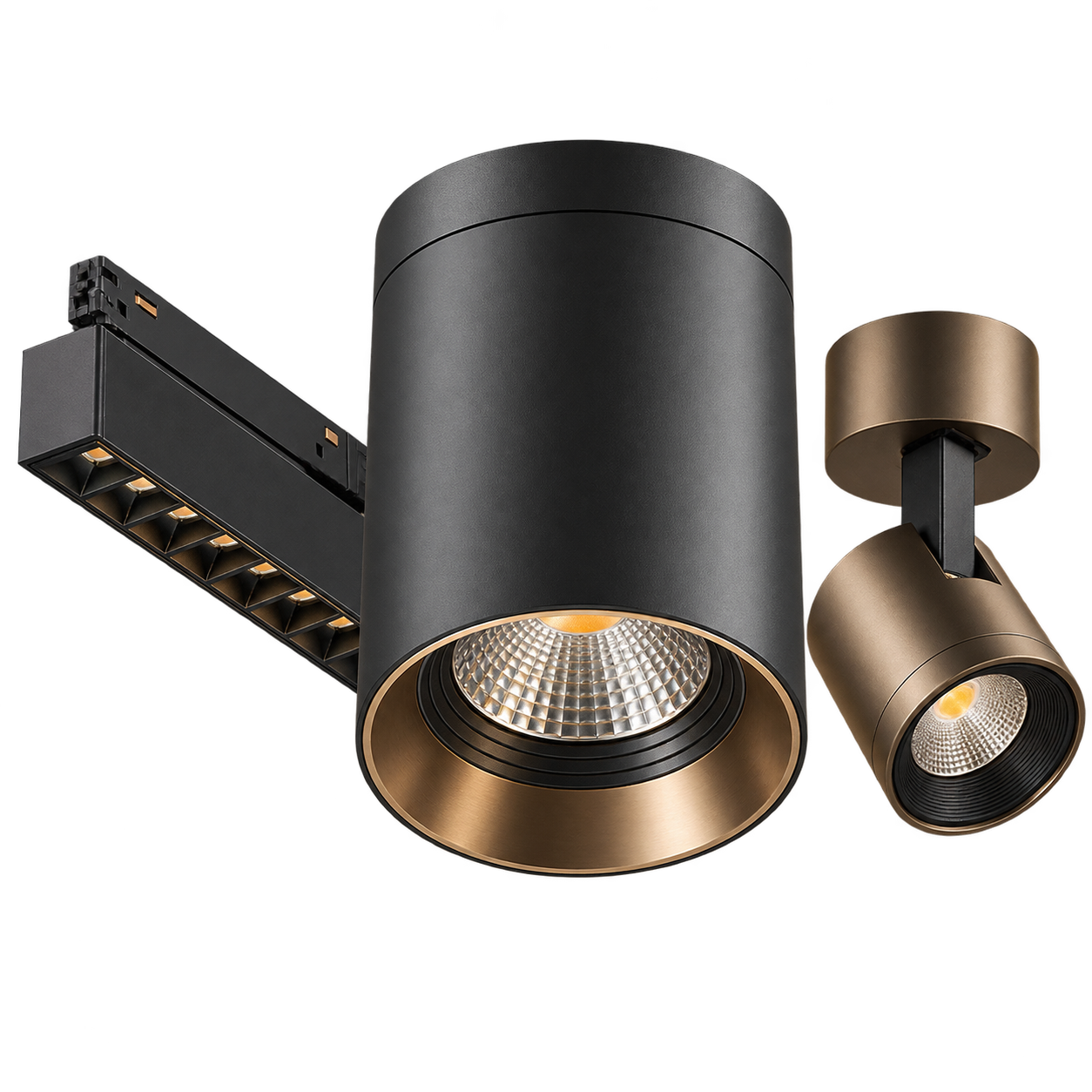
Drag to rotate
Pinch or scroll to zoom
INTERACTIVE PRODUCT VIEW
Look Beyond a Product Image.
3D product viewing gives you a clearer understanding of the fixture's form, proportions and finish before moving ahead with your selection.
Rotate Freely
Inspect the fixture from different angles.
Inspect the Details
Zoom in to understand form and finish.
Light ON / OFF
Preview available lighting states where supported.
#AUGMENTEDREALITY
VIEW IN YOUR SPACE
Bring the Product Into the Room.
On supported mobile devices, augmented reality lets you position selected products directly within your space before making a decision.
01
Open the Product
Choose a product with AR availability.
02
Launch AR
Open the AR experience on your mobile device.
03
Place & Review
Position the fixture and view it in context.

Move your device to place
the light
Available on supported
AR-enabled mobile devices
#HOWITWORKS
SIMPLE TO USE
From Product to Your Space.
The experience is built directly into supported product pages, so there is no separate application required for browsing in 3D.
01
Choose a Product
Open a product displaying the 3D + AR experience.
02
View It in 3D
Rotate, zoom and review the product from multiple angles.
03
Launch AR
Use a compatible mobile device to open the AR experience.
04
Place It in Context
Position the fixture and understand how it works within the space.
#WHYUSEIT
BETTER PRODUCT UNDERSTANDING
Useful Before the Final Selection.
Understand Proportion
Review how the form relates to the surrounding space.
Review the Design
Look at the fixture beyond a flat catalogue image.
Visualise the Placement
See how selected lighting may work within your setting.
Discuss More Clearly
Use the visual reference while speaking with our team.
START WITH A PRODUCT
Browse Lighting